
Smuggy
An Xray VPN and proxy client for your Mac's menu bar.
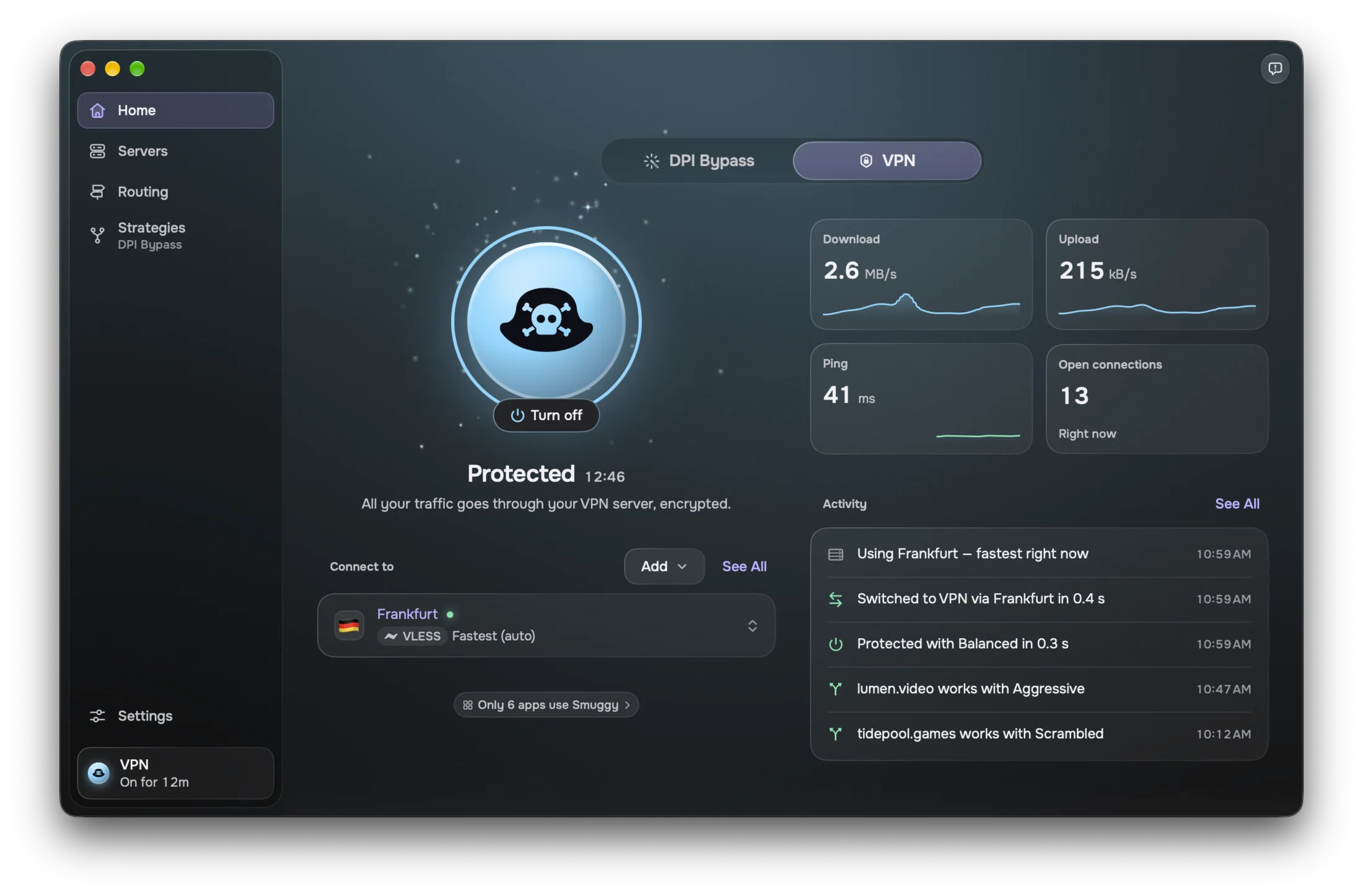
Bring your servers. Smuggy keeps you on the fastest one, with every app and site routed the way you choose.
Coming soon to the Mac App Store
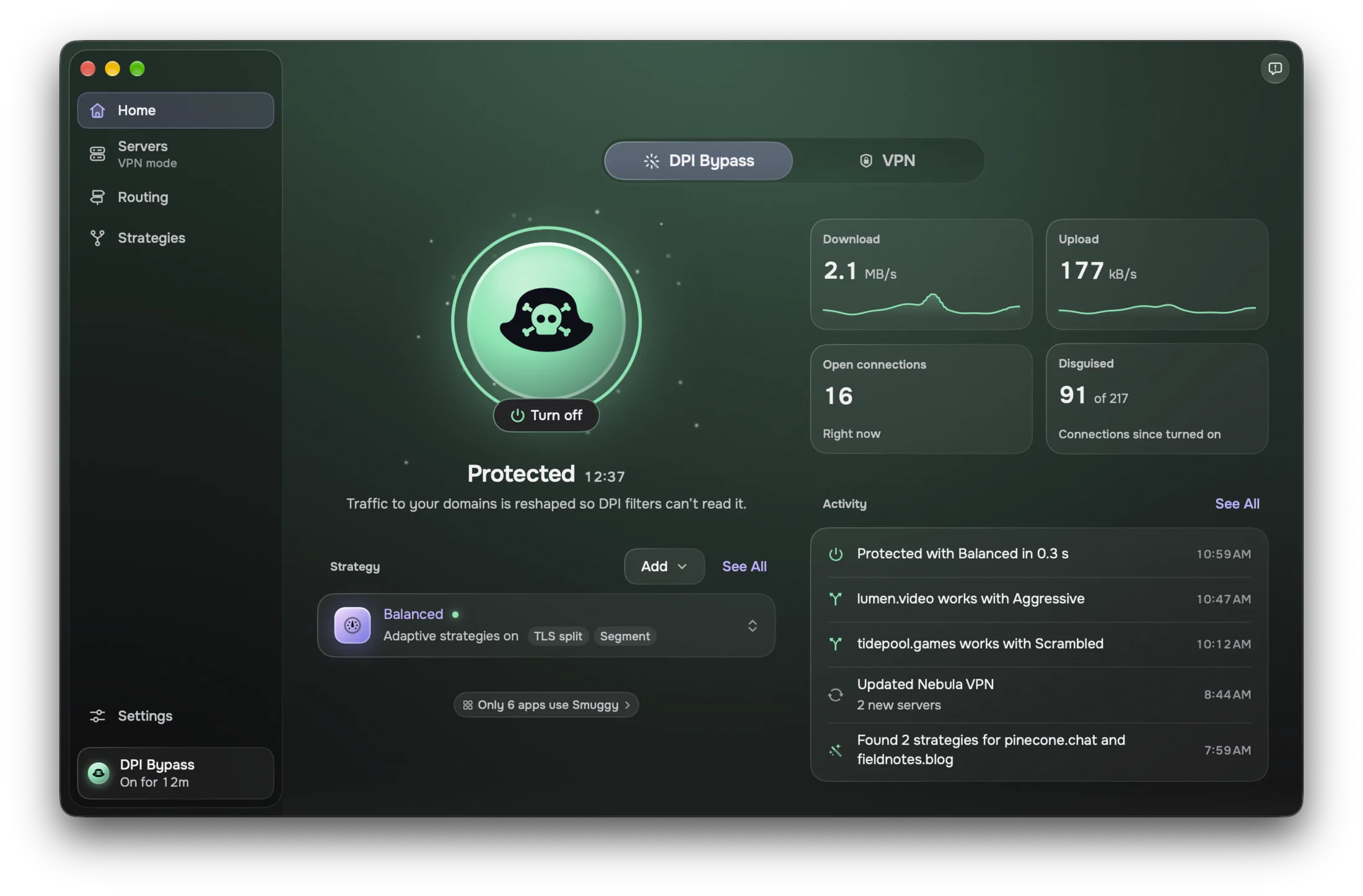
Your traffic goes through your own servers, encrypted. No server needed: Smuggy reshapes your traffic right on your Mac.

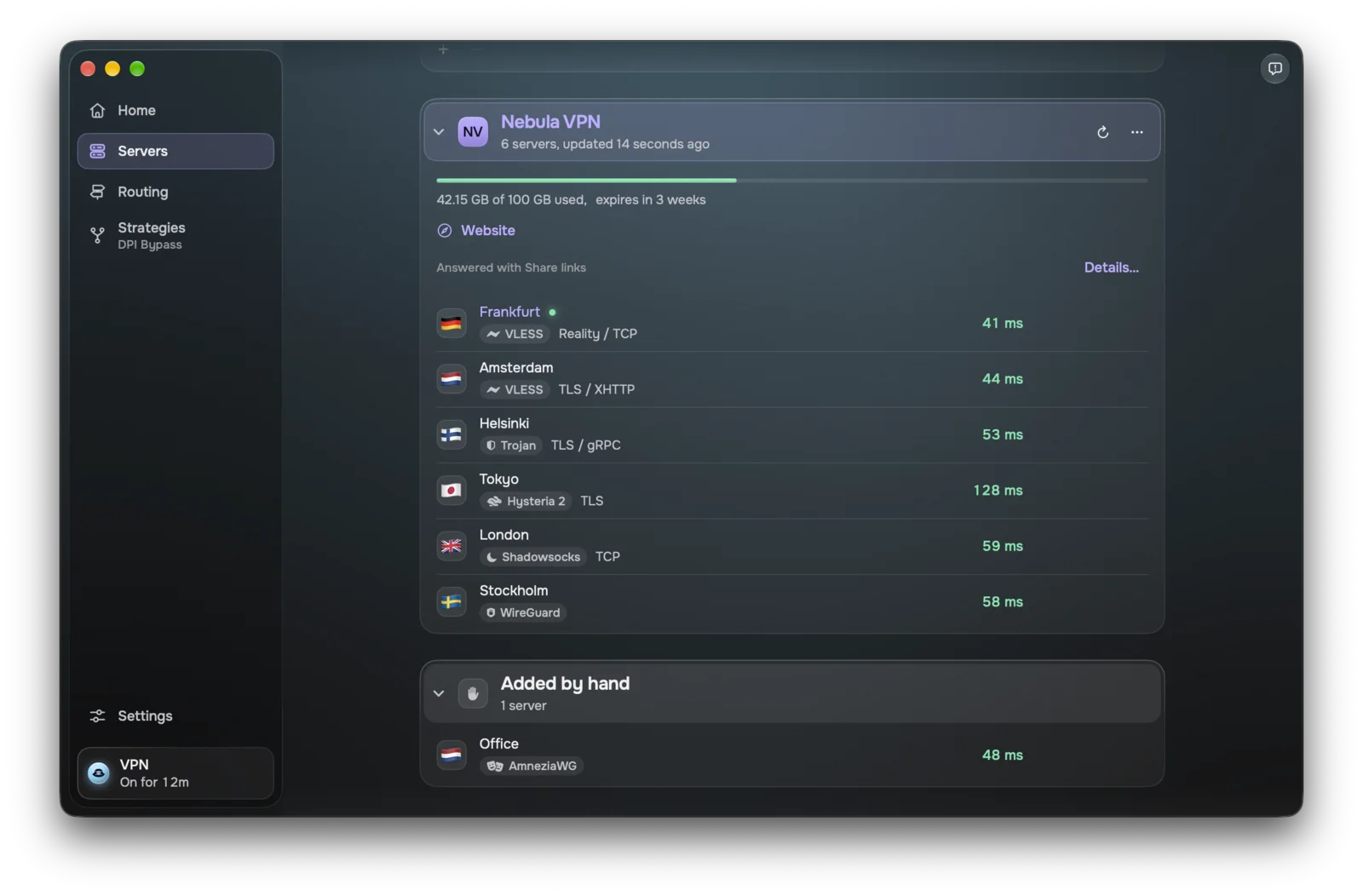
Servers
Every protocol you use
Paste a share link, a subscription or an Amnezia key, drop a file on the window, or open a link. Every import shows a preview before anything is added, and subscriptions update on their own.

Menu bar
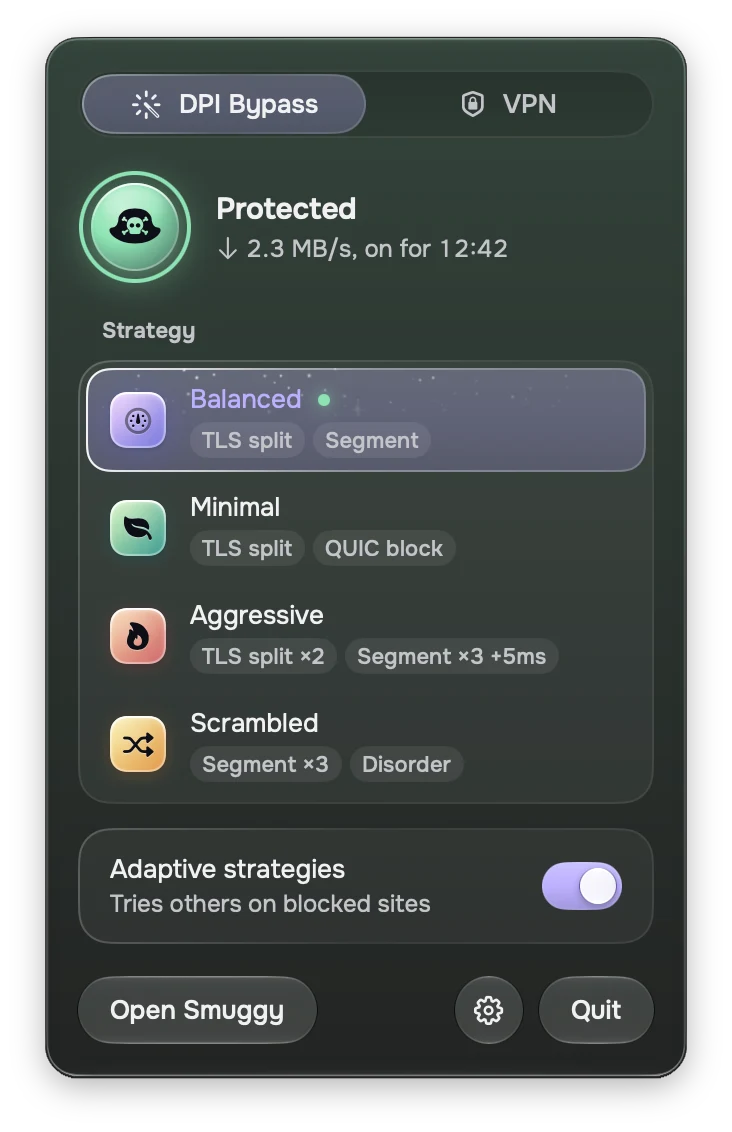
Right in your menu bar
Turn it on, switch modes or change strategy in one click, without opening a window.
- Always the fastest server. Smuggy times every server with real round trips and moves you to the quickest. Pick one by hand, or go back to automatic, without reconnecting.
- Safe by default. The kill switch is on from the start, and DNS and IPv6 stay inside the tunnel.

Routing
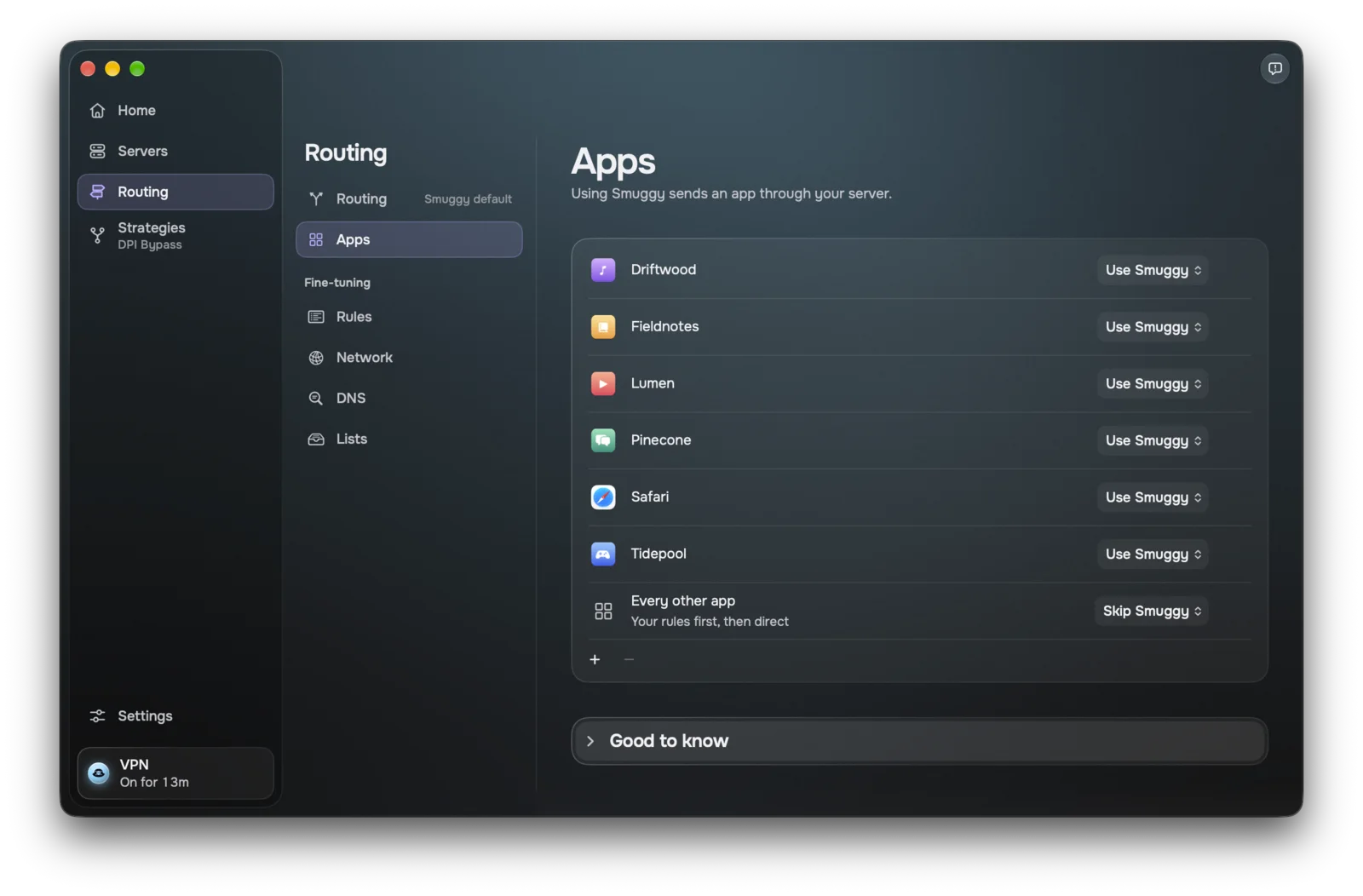
Choose which apps go where
Every app, every app except some, or only some. Add rules by domain, IP range and list, with rule lists you can install or import. QUIC and voice calls go through too, not only web pages.

DPI Bypass
DPI Bypass, no server needed
A second mode that works with raw packets and proxies every connection on your Mac.

Privacy
No accounts. No tracking.
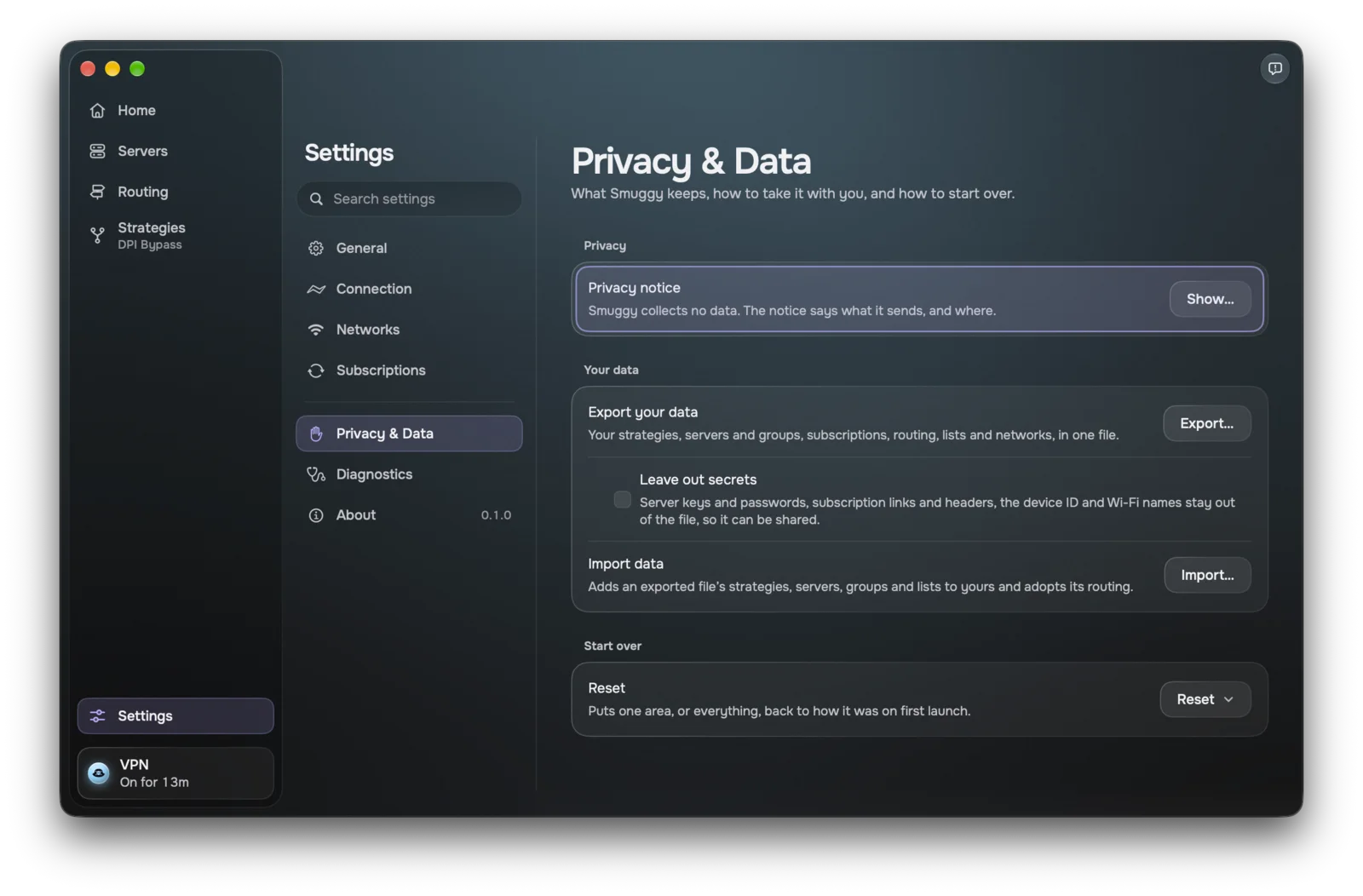
Smuggy has no accounts, analytics or tracking, and it never sends anything to us. Your servers, keys and settings stay on your Mac.

Good to know